Campaign Builder · Private preview
Campaign Builder demo
One campaign, two channels. Build the venue-screen side and the mobile side of the same campaign in one place, then see what happens once it goes live.
Sign up to view the Campaign Builder demo.
Tell us a little about your project and we'll drop you straight into an interactive walkthrough of Campaign Builder, from audience and strategy through to activation and measurement, click by click.
Plan my campaignYour night out, with VAYA GO
Scan a code on the venue screen or join the free Wi-Fi, and your phone becomes part of the night. Here's how it works, step by step.
-
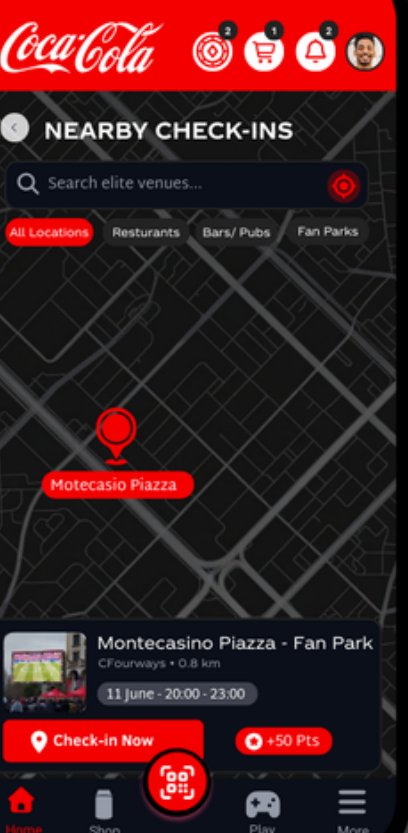
Discover
Find campaigns at venues near you and check in to start earning.
-
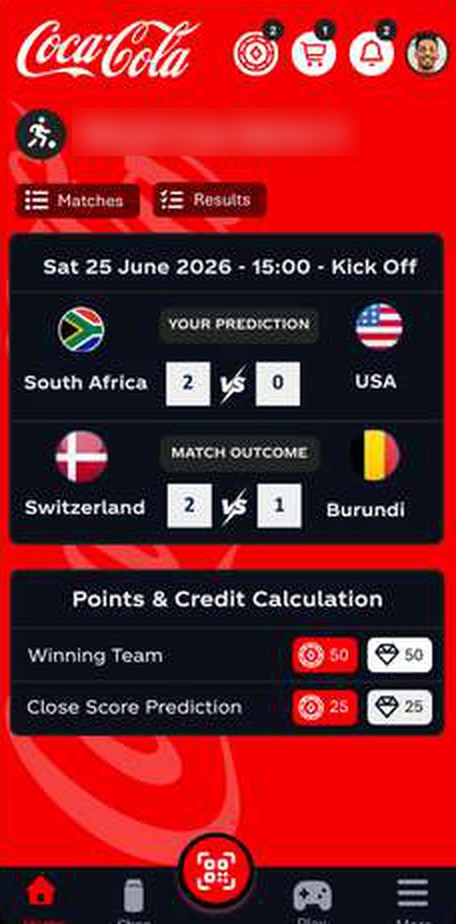
Play
Predict the score, answer a quiz or play a quick game. Every play earns points.
-
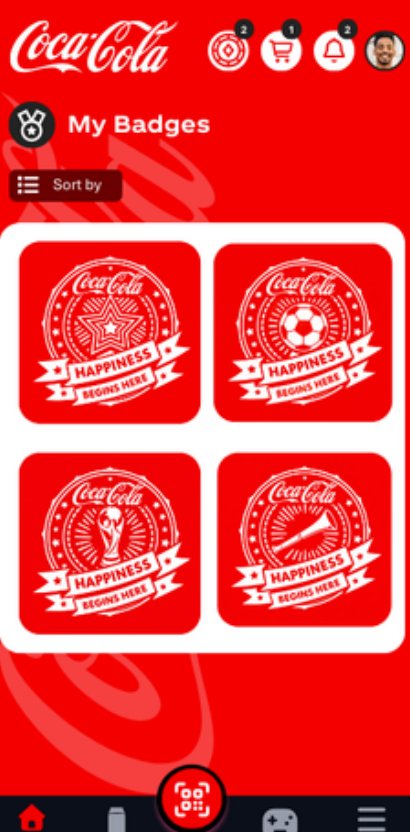
Earn
Points, tokens and badges build up in one place, and your level rises as you go.
-
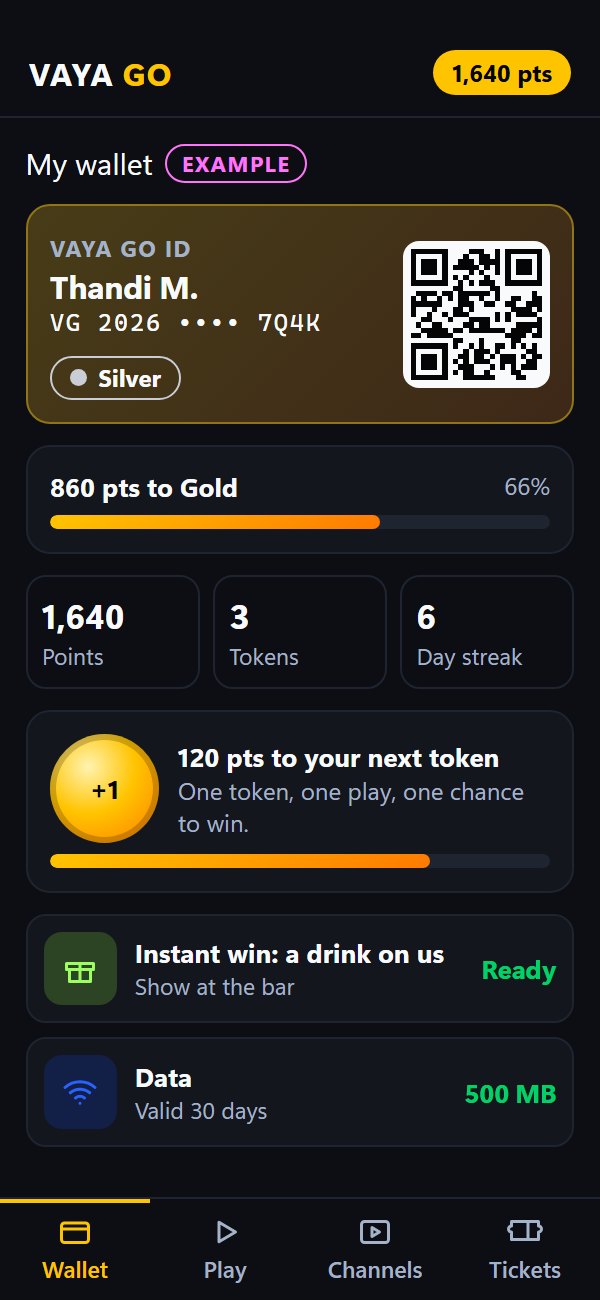
Redeem 18+
Instant wins and rewards land in your wallet. Show the code to staff to claim.
-
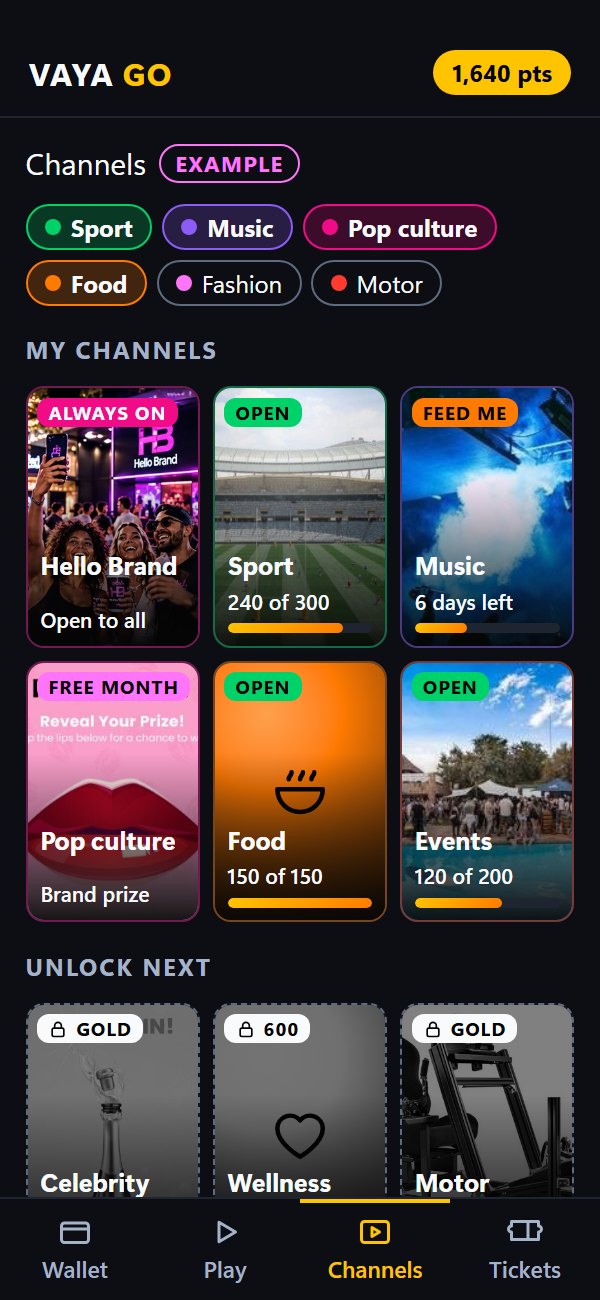
Join communities
Follow the channels you love, from sport and music to food, and unlock new ones as you play.


Example screens: steps 1 to 3 come from a real Hello Brand campaign for Coca-Cola. Campaigns that mention alcohol are for adults 18+.
Ready to play?
Online submissions aren't switched on yet. Nothing was sent, so we haven't received your enquiry. Email [email protected] or call 021 569 7123 ext. 233 and we'll pick it up from there.
Thanks, we've got your details. We reply within 1 business day. To add anything, email [email protected] or call 021 569 7123 ext. 233.
Your walkthrough is ready. We've started it with the objective you chose: .
Your venue on Hello Brand
Start with what matters to you: where your venue fits, how the Brand Box goes in, and what brand advertising on your screens could earn. Then see the builder brands use to book you.

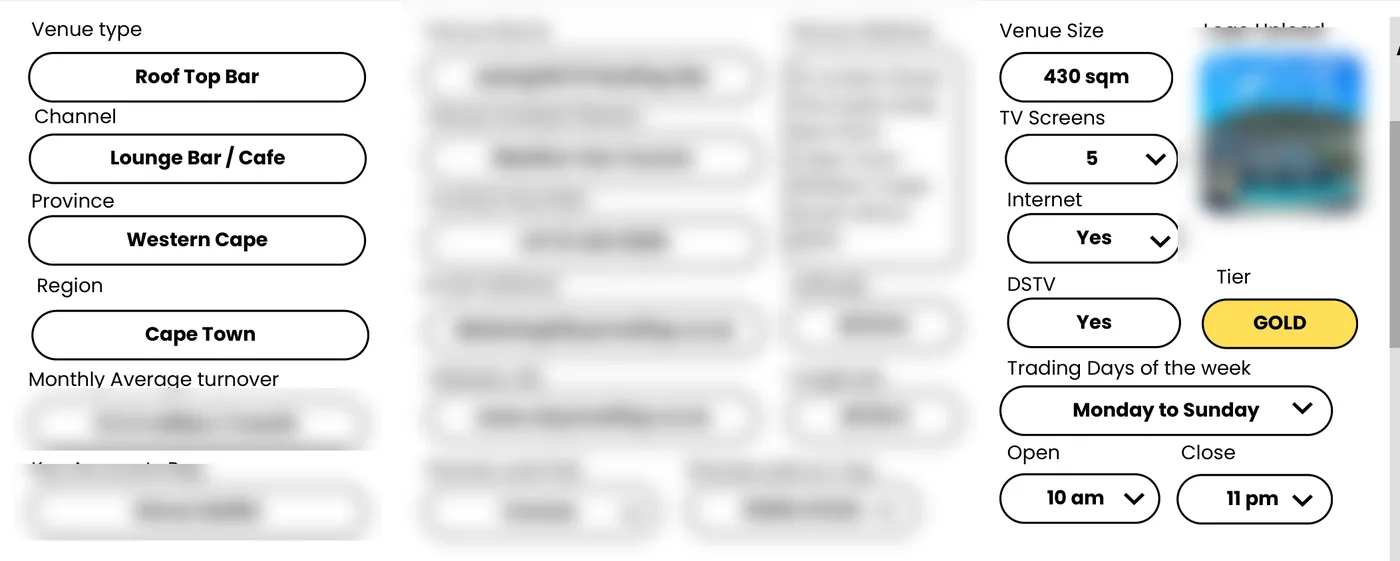
Your tier
- Bronze
- Silver
- Gold
- Platinum
Your tier is confirmed when we review your venue. DStv plays at every tier. See all tier criteria
Brand Box in your venue
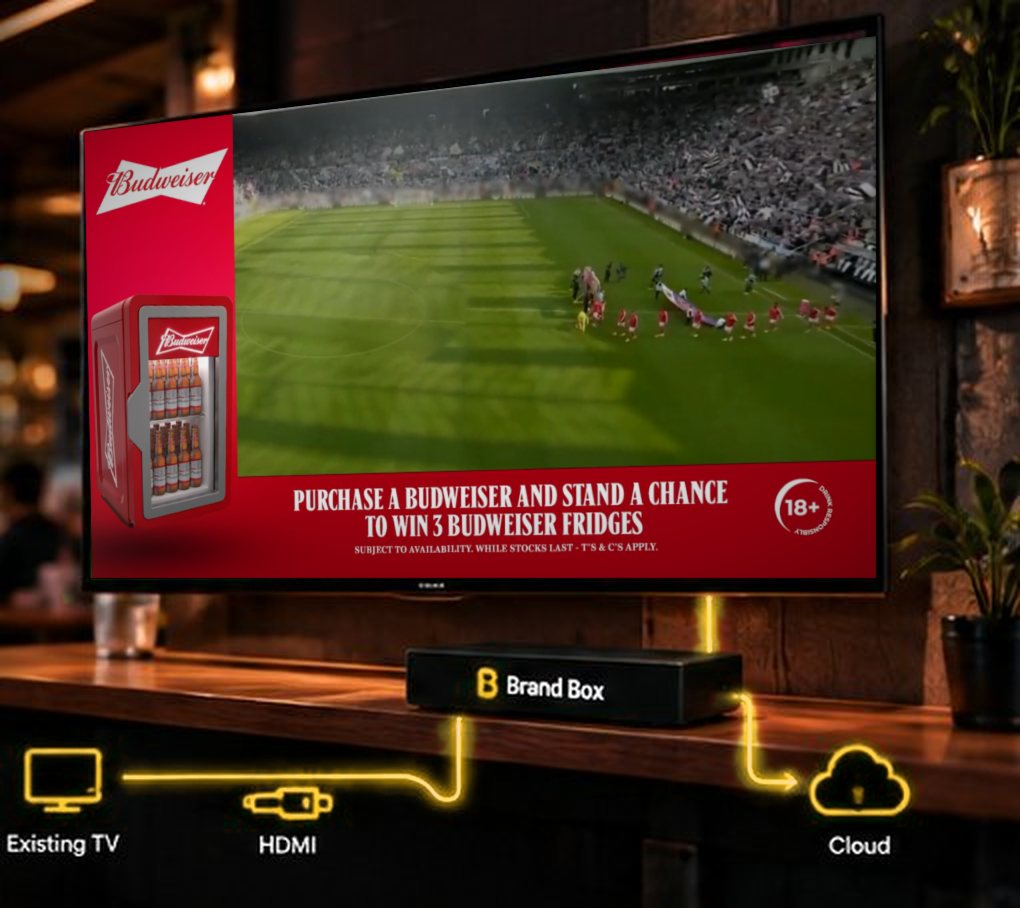
Connect. Brand Box is plug and play: it connects to your TV through HDMI and is linked to Hello Brand OS. Your screens keep showing what guests came to watch.
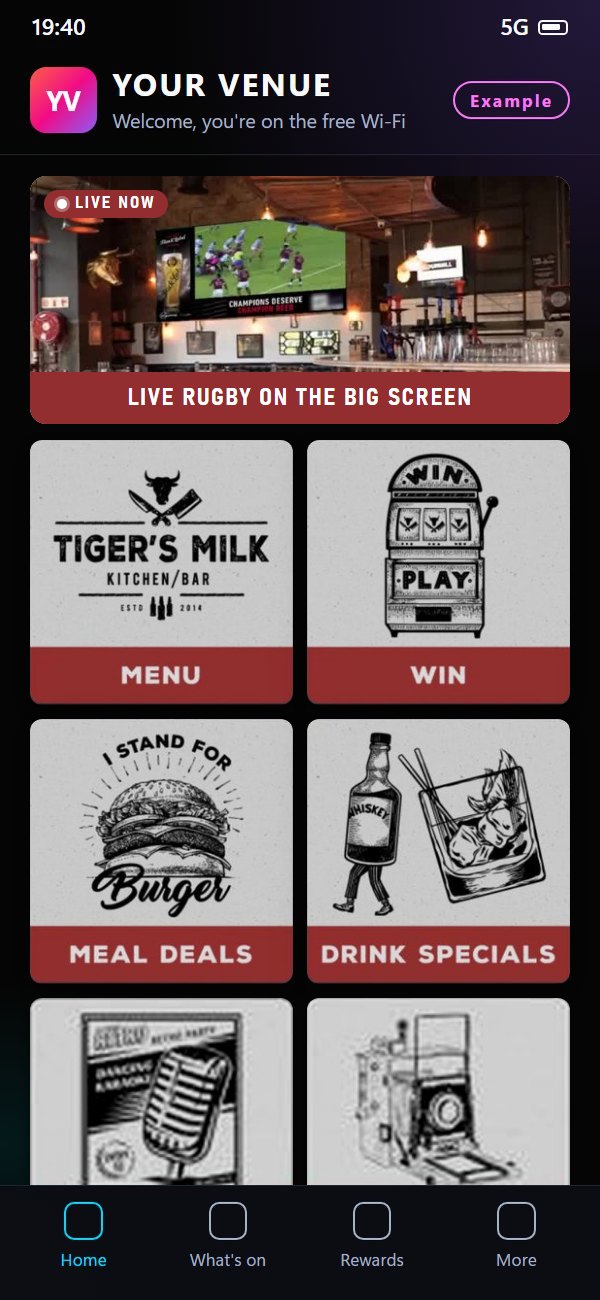
Onboard once. Your Wi-Fi name and your venue's own landing page are set up, then brands can pick your screens.
- Booking2 screensApprove
You approve. Each venue confirms the booking before a campaign goes live on its screens.


Silver, Gold and Platinum venues can join as Brand Box partners.
What your screens could earn
Illustration only, not a forecast or guarantee. Excl. VAT. Brands pay per 1,000 ad views by tier; 30% comes to you. How venues earn
Your agency workspace
Use Hello Brand OS on your own, for your own clients. You plan, price, build and report; we run the venue screens and the platform behind you.
White-label it
The builder below takes your name and colour as you type. In this demo nothing is saved or sent.
Two ways to work
- Run it yourself
- Your own agency workspace, with a separate space for each client, so client data stays apart. We invoice your agency, and you bill your client.
- Invited by a brand
- A brand invites you into its campaign to make the artwork. The brand keeps the budget, the billing and the final approval.
Reporting you can present
Reports for your client, white-label under your name or co-branded with us.
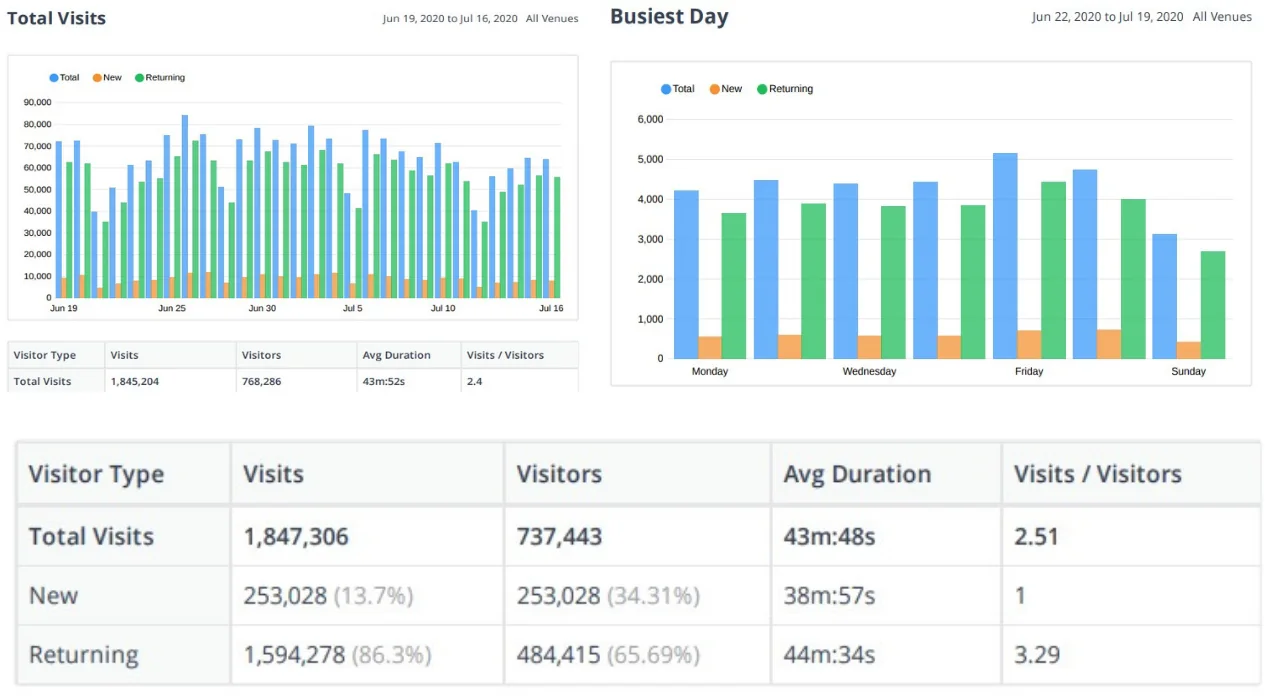
Campaign Builder

Hello Brand, on its own infrastructure
This example runs a campaign for Hello Brand itself, with the same Campaign Builder, venue screens and mobile web app your brand would use. Let our technology be your digital handshake: let your brand come and play, and get to know your consumer and customer.
- 1Pick the brand
- 2Design the screen and the phone
- 3Choose the venues and times
- 4Place it in the VAYA GO channels
- 5Review and go live
One campaign, two channels: four steps for the venue screens and six for the phone, all in one place.
- Company
- Hello Brand
- Brand
- Hello Brand
- Campaign
- Come and play 2026
- Dates
- 1 Nov 2026 to 31 Jan 2027
- Venues
- 3 venues · 5 screens
Screens · Step 1 of 4
Choose the brand
One company account holds all of its brands. Pick the brand this campaign is for. Both channels use what you choose here.
Example: illustrative data. The sample account is Hello Brand itself, so no client's brand is shown. Nothing here is a live campaign or a client's real result.
From your answers
You asked for: . Where: .
Company
Hello Brand Sample account, in Hello Brand's own colours.
Campaign basics
Next, design what plays on the venue screens.
Screens · Step 2 of 4
Design the screen campaign
Choose how the advert shares the screen with what the venue is showing. The preview uses brand-free live sport footage; the coloured zones are where your creative goes, shown here in Hello Brand's colours.

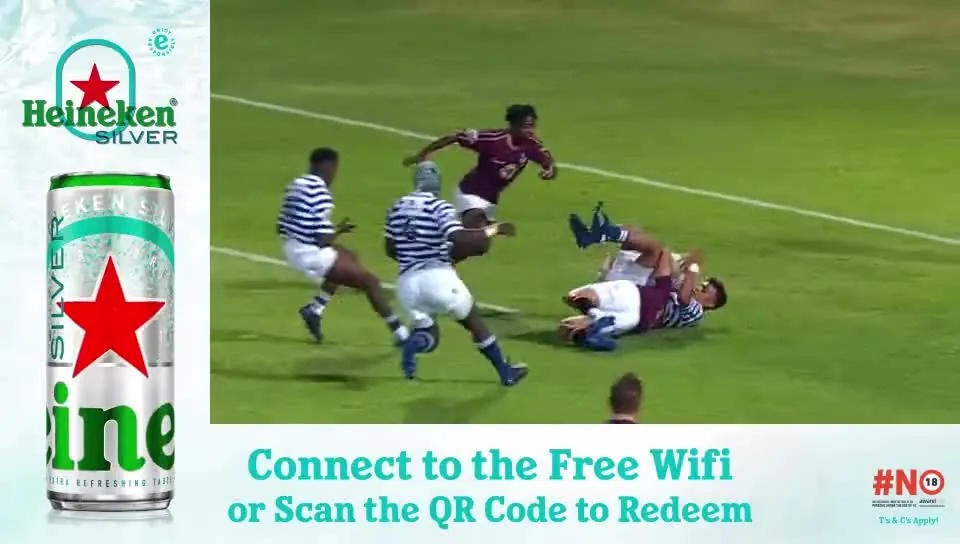
This format in a real Hello Brand campaign: Heineken Silver 18+

Formats through a match
- 0'Full screen
- 15'L-shape
- 30'Bottom scroller
- 45'L-shape
- 60'Bottom scroller
Next, choose the media, the venues and when it plays.
Screens · Step 3 of 4
Choose media, venues and schedule
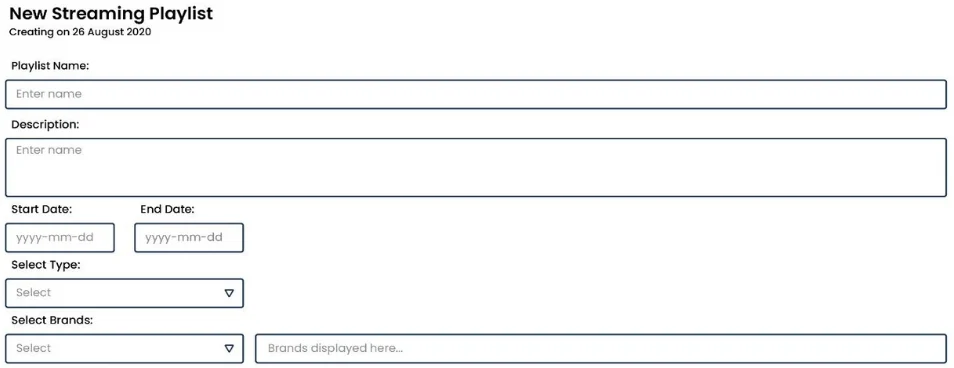
The same three jobs as in the Brand Box content manager: pick assets from the library (or upload one), choose the venues and screens, and set when it plays.
Assets Brand asset management
Drag & drop fileVideo, image, audio or document. In this demo nothing is uploaded: the button adds a sample file.
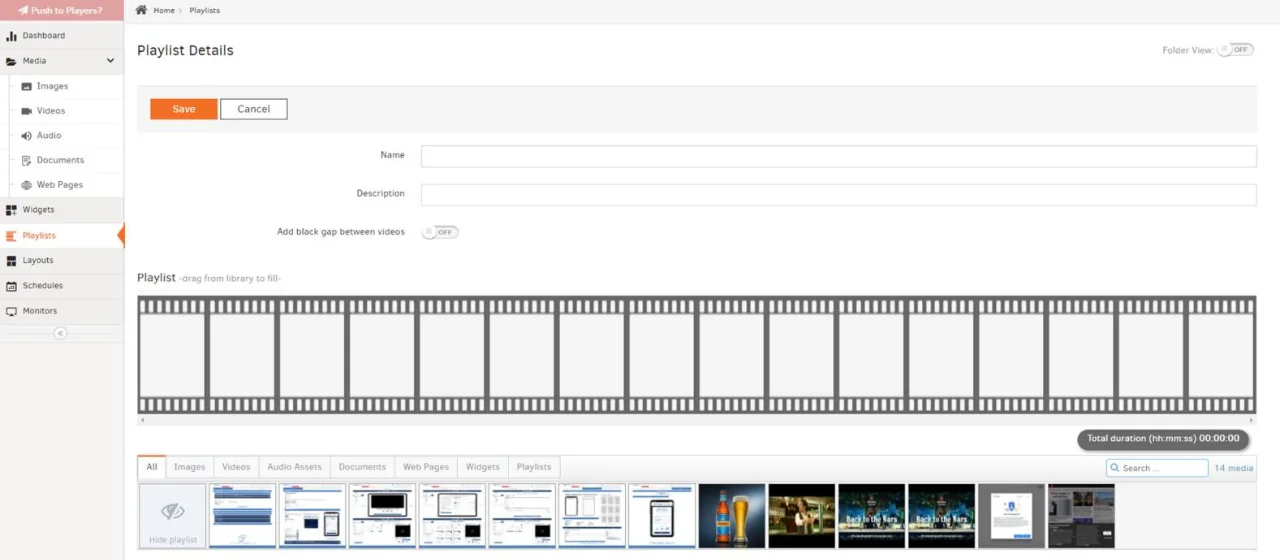
Venues and devices From Device Management
Each venue confirms the booking before the campaign goes live on its screens. How venues join

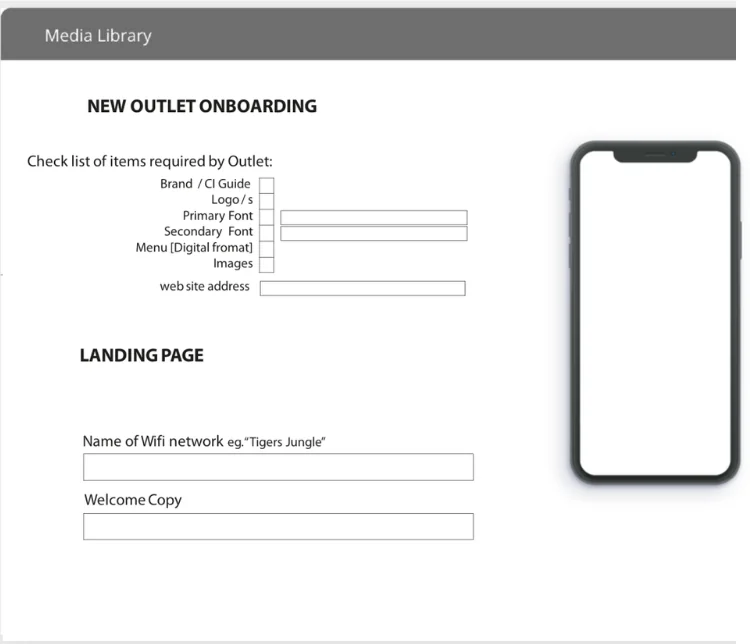
Schedule Set on the playlist
Next, check everything and publish to the screens.
Screens · Step 4 of 4
Review and publish to screens
Indicative media cost
Priced per 1,000 ad views by venue tier.
Indicative, excl. VAT. Brands pay per 1,000 ad views (CPM) by venue tier: Bronze R100 to R150, Silver R150 to R220, Gold R220 to R280 (off-peak to peak); Platinum on request. Views are split evenly across the screens you chose. See media prices
Notification 1
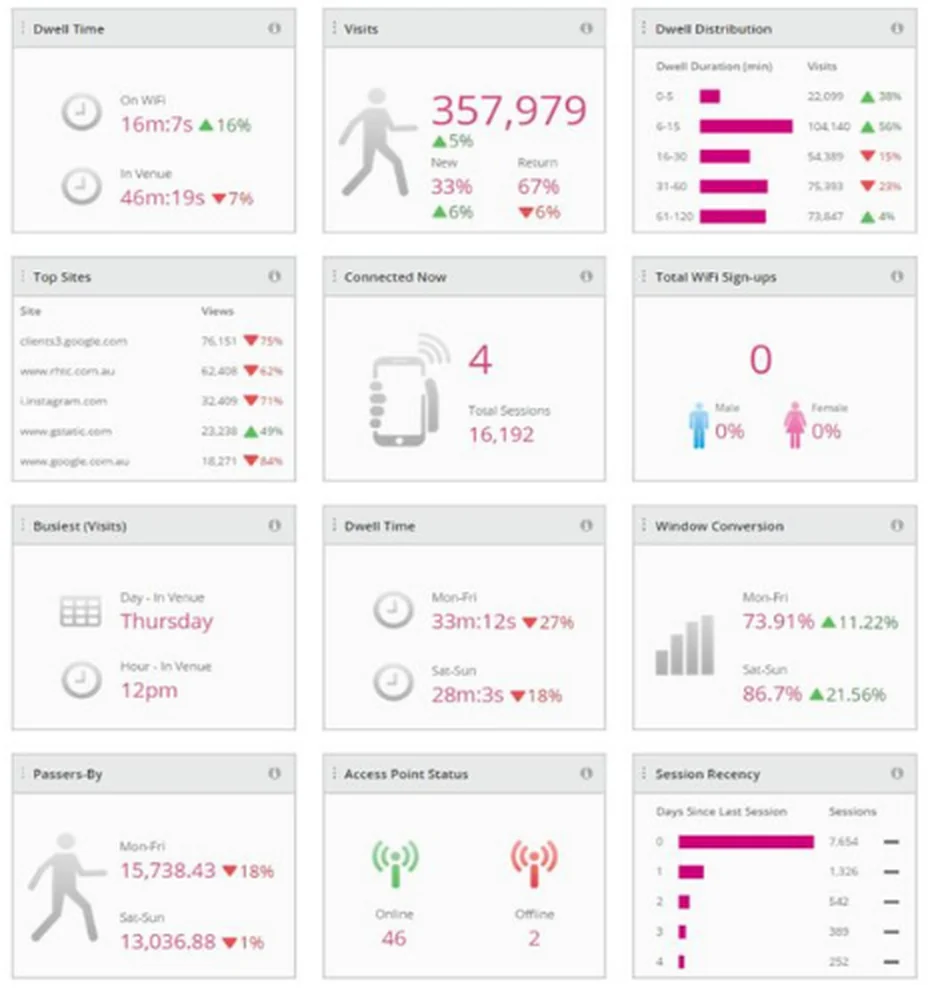
Same campaign, second channel: the mobile game the QR code opens.
Mobile · Step 1 of 6
Design the mobile page
What the guest sees after scanning the QR code or connecting to venue Wi-Fi. It carries the brand you chose for the screens.
Coming soon A native app for iPhone and Android. Until then, every campaign runs in your phone’s browser.
Next, the VAYA GO channels the campaign appears in.
Mobile · Step 2 of 6
Place it in the channels
VAYA GO channels stay open between campaigns: sport, music, learning and more. Choose the channels that suit your audience and how your brand appears inside them.
VAYA GO channels are off. Turn them on in step 1 to place this campaign in the channels; until then it runs on mobile web only.
Rules. Drinks brands appear only in adult-interest channels and carry 18+. Sponsored placements are always labelled “Sponsored”. This company sells alcohol, so only adult-interest channels can be picked.
Three ways to unlock a channel
- Earn itClimb from Bronze to Silver to Gold, or earn a badge. Each tier and badge opens more channels.
- Use your pointsUnlock it now for the channel’s points.
- Get it from a brandBrand partners give channels away as rewards: free for the month, no points needed.
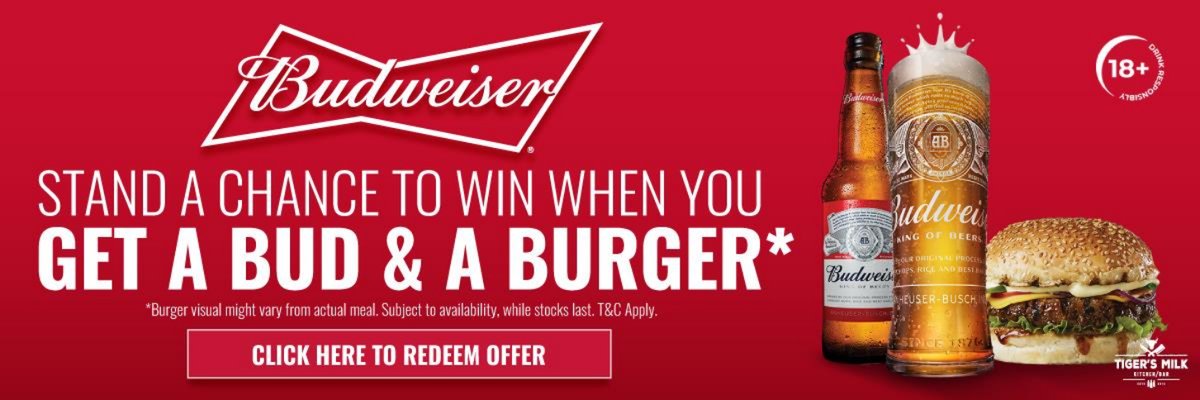
This placement in a real Hello Brand campaign: Budweiser in the Football channel 18+ · All brand banners
Next, the game or question the guest plays.
Mobile · Step 3 of 6
Choose the engagement
Mechanics Hello Brand has run for real campaigns. Pick one, then try it on the phone.
Next, what the guest wins and how they claim it.
Mobile · Step 4 of 6
Set the reward and redemption
Next, what data you ask for, and the consent behind it.
Mobile · Step 5 of 6
Data capture and consent
Ask only for what the campaign needs. Under POPIA, marketing consent is a separate, unticked choice, and the guest can read the privacy notice before they agree.
Last step: check it, then publish.
Mobile · Step 6 of 6
Review and publish to mobile
See what happens once the campaign is live.
How it works once created ↓Once it's created
How it works once the campaign is live
Stage 1 of 8
Ready to build yours?
Talk to us about a campaign on Campaign Builder: email [email protected] or call 021 569 7123 ext. 233.